
Is Instant Play Better Compared to Casino Apps
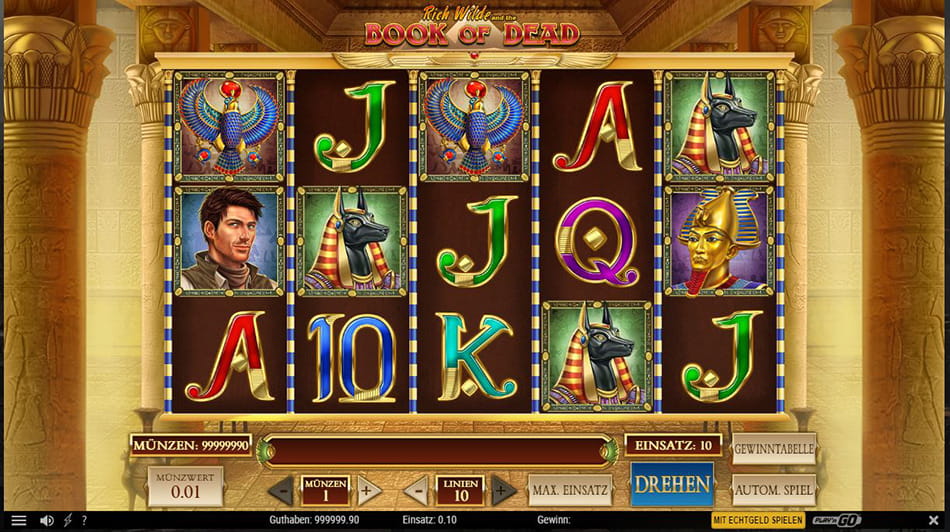
Many players compare instant-play browser versions against dedicated casino apps when deciding how to access mobile gambling. The decision hinges on device compatibility, performance, security, and the specific features each format provides. casinolycasino Casino’s mobile offering includes both options, so users can compare them directly before dedicating to one method.
Device and Operating System Compatibility
Casinoly Casino’s instant-play site operates on any modern browser that supports HTML5, which covers recent versions of Chrome, Safari, Firefox, and Edge. This means the same interface appears on Android phones, iPhones, tablets, and even some smart TVs or laptops without additional downloads. Minimum system requirements stay low: Android 7.0 or iOS 12 and later are sufficient, and no extra storage space is required beyond cached files.
The dedicated Casinoly Casino app focuses on a narrower range of devices. It is built for Android 8.0 and above, with a separate iOS build that requires version 13 or newer. Older phones running Android 7.x or iPhone 6s models will not install the app, but they can still open the browser version. Checking the device settings page for the exact OS version before picking the format prevents installation failures.
Setup and Setup Steps
Instant play needs no download. Players open their chosen browser, navigate to casinolyapp.com, log in, and begin playing. The site detects screen size and loads the mobile layout automatically, preserving the full game library without extra steps.
Installing the Casinoly Casino app involves a short sequence. On Android, users enable “Install from unknown sources” in settings, download the APK file from the official site, and confirm the installation when prompted. iOS users open the App Store link provided on the site, authenticate with their Apple ID, and wait for the app to finish installing. Both processes take under two minutes on a stable connection.
Performance and Bandwidth Use
No-download sessions require continuous data exchange between the browser and Casinoly Casino’s servers. On 4G or 5G networks, fetching a 20 MB game generally completes in three to five seconds, but less fast connections can multiply that time. Cached graphics minimize repeated downloads, yet each new game still loads fresh assets, boosting total data use over a extended session.
The native app keeps graphics and interface elements on the device, cutting data consumption by about 30 percent after the original install. Game load times fall to one or two seconds once assets are located on the device. Battery drain is similar to browser play because both formats show animations at 60 frames per second, yet the app’s lower network activity can lengthen playtime on capped mobile plans.
Safety and Update Management
Browser play stores all data within the site’s encrypted connection. Casinoly Casino applies TLS 1.3 across its domain, and session tokens expire after 30 minutes of inactivity. Players skip granting extra device permissions, which reduces exposure to malicious code that might accompany third-party APKs.
The app obtains automatic updates through the Google Play Store or Apple’s TestFlight system. Each update fixes security vulnerabilities and includes new games without manual intervention. Android users who sideload the APK must check the site for newer versions manually, because Google Play Protect will not scan files installed outside the store. Keeping the app current avoids compatibility issues after operating-system upgrades.
Mobile Features and Constraints
The Casinoly Casino app includes push notifications for tournament start times and bonus expirations. Players can turn on or turn off these alerts in the settings menu. A built-in deposit tracker shows real-time balances across multiple payment methods, and a quick-switch button lets users swap between live dealer tables and slot lobbies without returning to a lobby screen.
Instant play is missing native push notifications, so users use email or SMS alerts. However, the browser version enables split-screen multitasking on tablets, allowing players to keep a live chat window open beside the game. Neither format imposes stricter betting limits; maximum stakes equal the desktop site for both options.
Storage
The app uses between 85 MB and 120 MB according to the number of cached games, plus an additional 40 MB for each newly downloaded title. Customers with limited internal storage can delete individual games through the app’s library manager to free space without removing the entire application. commencez à lire
Instant play stores nothing permanently beyond browser cache, which the operating system can clear automatically. This approach erases storage concerns but removes the possibility of offline play. The app offers a limited offline mode that displays previously loaded game rules and account history, though actual wagering still requires an active connection.
FAQ
Is it possible to use the same account across both the app and the browser site?
Certainly. Signing in with the same credentials on either platform updates balance, bonuses, and game history in real time. No additional sign-up is required, and ongoing promotions stay accessible across both formats.
Does the app require more permissions than the browser version?
The app requests storage access for caching game files and notification permission for alerts. The browser version requires just standard website permissions such as cookies and location if geo-verification is active.
How frequently are new games added to the app versus the instant-play site?
New titles appear on the instant-play site first, usually within 24 hours of release. The app gets the same games during its next scheduled update, which happens weekly on average.
Will sideloading the Android APK nullify my device warranty?
Most manufacturers will not void warranties solely for installing APKs from verified sources. However, users should check their device policy and ensure the file is sourced from Casinoly Casino’s official domain.
Is there a difference in payout speed between the two formats?
Withdrawal requests are processed on the server side, so payout times remain identical regardless of access method. Processing speed depends on chosen payment provider and verification status rather than platform choice.